How to Secure Your Email Account
Your email account is the single most valuable digital asset you own. Think about it: every password-reset link, every account-recovery email, and every two-factor authentication backup code lands in your inbox. If someone gets into your email, they can take over your bank, your social media, your work accounts, everything.
Securing your email doesn't have to be complicated. Here are the steps that make the biggest difference.
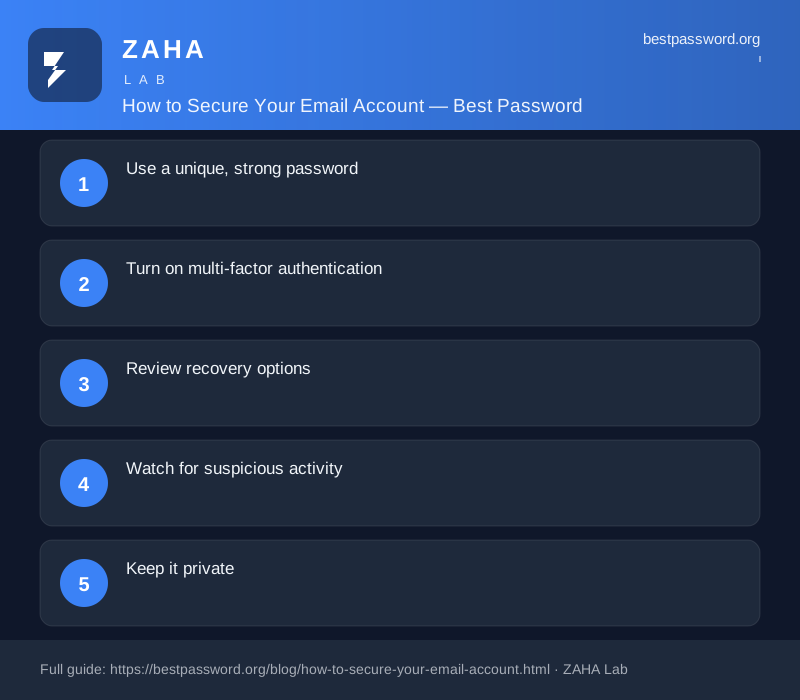
Use a unique, strong password
Never reuse the password you use for email anywhere else. If another site gets breached and you use the same password, your email is suddenly exposed too. Generate a long, random password, at least 20 characters mixing uppercase, lowercase, numbers and symbols. Our password generator can create one in a click, and it never leaves your browser.
Turn on multi-factor authentication
Every major email provider, Gmail, Outlook, Proton Mail, iCloud, offers two-factor authentication (2FA). Enable it. A hardware security key or an authenticator app is best, but even SMS-based 2FA is miles better than nothing. This one step blocks the vast majority of account takeovers.
Pro tip: A password manager like NordPass can generate and store your email password securely, autofill it when you need to log in, and even alert you if your credentials appear in a data breach.
Review recovery options
Check your email account's recovery settings. Make sure the backup email and phone number are current and belong to you. Remove any you don't recognise, attackers sometimes add their own recovery details to accounts they've partially compromised.
Watch for suspicious activity
Enable login alerts so you're notified whenever a new device or location signs in. Most providers also show a list of active sessions, review it regularly and sign out of any you don't recognise.
Keep it private
Don't use your primary email for newsletters, shopping or forum sign-ups. Use an alias or a secondary address for that. Fewer people have your email address means fewer phishing attempts landing in your inbox.