Account Takeover Prevention 2026: Stop Hackers Before They Strike
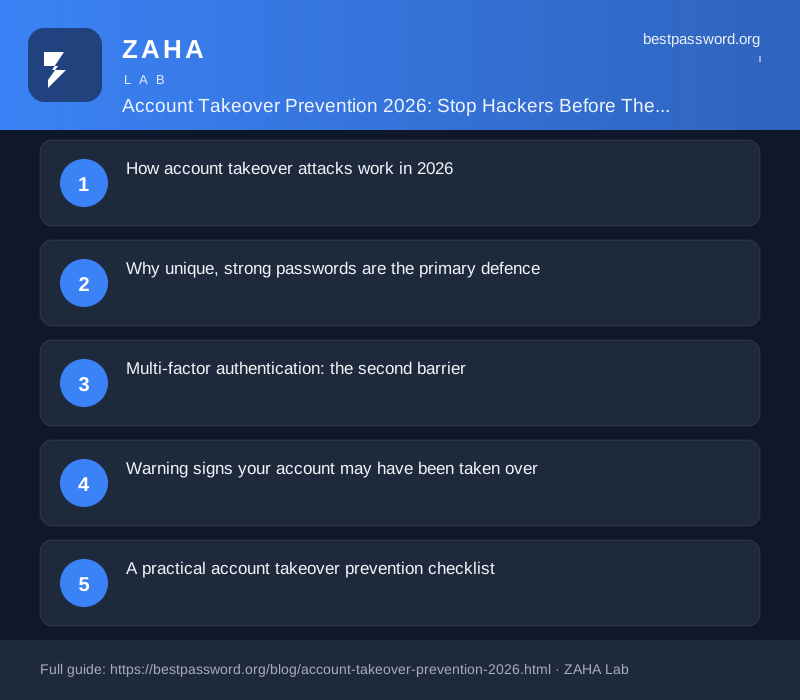
More than three-quarters of web application breaches involve stolen or compromised credentials, according to the 2024 Verizon Data Breach Investigations Report. Account takeover is not targeted espionage against specific individuals: it is a volume operation running 24 hours a day, testing billions of stolen credentials against every major service on the internet.
Preventing account takeover means understanding exactly how the attack pipeline works, and plugging each gap before a bot reaches your account.
What is account takeover (ATO)? Account takeover is a form of identity-based attack in which an unauthorised party gains control of an existing online account by using stolen credentials, bypassing authentication controls, or hijacking an active session. Once access is gained, attackers may drain linked payment methods, steal personal data, send fraudulent messages, or sell verified account access on criminal markets.
How account takeover attacks work in 2026
The attack chain has five recognisable stages. Most victims are compromised before they are even aware the process has started.
Stage 1: Credential sourcing
Attackers do not guess passwords from scratch. They buy them. Databases containing billions of email-and-password pairs leak onto criminal forums after every major breach. As of mid-2026, sites like Have I Been Pwned index more than 14 billion unique email-password pairs from thousands of historic breaches. Many of those credentials are still valid because users never changed them.
Stage 2: Credential stuffing
Stuffing tools take a breach database and test every username-password pair against a target site. A moderately resourced attacker can test 100,000 credential pairs per hour using distributed proxy networks that rotate IP addresses to avoid rate-limiting. CISA's 2024 advisory on credential-based attacks notes that stuffing is the leading initial access vector for consumer-facing account compromise, because it requires no exploitation of software vulnerabilities at all.
Stage 3: Account validation
Not every successful login is immediately acted on. Automated tools first validate which accounts have active payment cards, high balances, or access to valuable services. Validated accounts are sorted into tiers and either exploited directly or sold in batches.
Stage 4: Account exploitation
Depending on the account type, exploitation looks different. A breached email account lets the attacker reset passwords for banking and social media via "forgot password" flows. A compromised streaming account gets sold. A breached e-commerce account gets used for fraudulent purchases with stored payment details.
Stage 5: Persistence
Sophisticated attackers do not just log in and drain an account. They change the recovery email or phone number, disable alerts, and maintain access quietly for weeks or months. That window is enough to intercept SMS verification codes, monitor financial activity, and build a complete profile of the target.
Why unique, strong passwords are the primary defence
Credential stuffing depends on one critical assumption: that you reused a password from a previous breach. Break that assumption, and the attack fails completely. If every account has a unique, randomly generated password, a leaked credential from one site is worthless against every other site you use.
NIST SP 800-63B, the US government's authoritative digital identity guideline, recommends passwords of at least 15 characters with no mandatory complexity rules, stored in a hashed format by services. For end users, the guideline's practical implication is straightforward: length and uniqueness matter far more than adding a capital letter and a symbol to a familiar word.
Generating and remembering dozens of long, unique passwords is not practical manually. A password manager solves this by generating a 20-character random password for every account and storing it securely. NordPass uses XChaCha20 encryption and a zero-knowledge architecture, meaning even NordPass itself cannot read your vault. You type one master password; every site gets its own strong, unique one.
Multi-factor authentication: the second barrier
Even a unique password can be stolen through phishing or an unrelated data breach. Multi-factor authentication (MFA) ensures that stolen credentials alone are not enough to gain access. But not all MFA is equal.
| MFA Method | ATO Resistance | Notes |
|---|---|---|
| SMS one-time codes | Low-Medium | Vulnerable to SIM swap; still much better than no MFA |
| Authenticator app (TOTP) | Medium-High | Not vulnerable to SIM swap; can be phished by real-time proxy |
| Push notification (e.g. Duo) | Medium | Vulnerable to MFA fatigue attacks if not configured with number matching |
| Hardware security key (FIDO2) | Very High | Phishing-resistant; key verifies the site's domain cryptographically |
| Passkey | Very High | Device-bound credential; cannot be stolen from a server database |
NCSC (the UK's National Cyber Security Centre) recommends authenticator apps as the practical minimum for high-value accounts, with hardware keys reserved for accounts where the consequence of compromise is severe, such as email, banking, and work systems with admin access.
Enable the strongest MFA your most important services support. For email especially, upgrade from SMS to an authenticator app or passkey today. Email is the master key: whoever controls it can reset every other account.
Warning signs your account may have been taken over
Account takeover is not always obvious. Watch for these signals across all your accounts:
- Login notifications from unfamiliar locations or devices you do not recognise.
- Password reset emails you did not request, which may mean an attacker is probing your account.
- Changes to recovery contact details such as a new recovery email or phone number you did not set.
- Purchases or transactions you do not recognise in linked bank or card accounts.
- Friends or contacts reporting strange messages sent from your accounts.
- Locked-out access where your correct password no longer works, meaning the attacker changed it.
Most platforms send security alert emails for new logins. Do not ignore these. Set your email client to flag messages from your bank, email provider, and major services as priority so these alerts do not get buried.
A practical account takeover prevention checklist
Run through this list for every important account you own. Start with email and banking, then expand outward.
- Check for existing breaches. Use a breach checking tool or visit the breach check on this site to see if your email addresses appear in known dumps.
- Change any reused passwords immediately. Use the password generator to create a unique 20-character password for each account. Store it in a password manager.
- Enable MFA on every account that supports it. Prioritise email, banking, work logins, and any account with stored payment methods. Use an authenticator app at minimum.
- Audit your recovery contacts. Verify that the recovery email and phone number on each important account belong to you and are currently accessible.
- Review active sessions. Most platforms (Google, Apple, Facebook, Microsoft) show which devices are currently logged in. Revoke access for any device you do not recognise.
- Set up login alerts. Enable email or push notifications for new sign-ins on all accounts that offer them.
- Use a dedicated email for high-value accounts. A separate address used only for banking and financial services is not publicly searchable, making it harder to target.
What to do if your account has already been taken over
Speed matters. The first priority is regaining control before the attacker changes recovery details.
If you can still log in, change the password immediately, then revoke all active sessions except your current one, then enable or strengthen MFA. If you are locked out, use the platform's account recovery process, which usually requires verifying ownership via a backup email, phone, or identity document. Contact the support team directly if automated recovery fails.
Once you regain access, check whether the attacker changed your recovery email or phone. Reset these back to ones you control. Review linked payment methods and dispute any unauthorised charges with your bank. Change the password for any other account that used the same credentials.
If the compromised account was your primary email, treat every account that uses it for password resets as potentially compromised. Work through them systematically with fresh, unique passwords.
The credential hygiene that makes ATO attacks fail
Credential stuffing is a numbers game. Attackers profit by hitting thousands of accounts where users reused passwords. They do not specifically target you: your account gets caught in a broad sweep. The defence is equally simple in concept: deny them the reused credential that makes the sweep profitable.
Unique passwords per account, backed by an authenticator app, mean that a credential stolen from any one breach is dead weight against every other account you own. That is the complete solution. Everything else, monitoring, alerts, session audits, sits on top of that foundation.
Start with a password manager, generate unique credentials for every account, and turn on MFA. The automated bots scanning the internet for reused passwords will find nothing usable when they reach yours.